How to Buy Pubg Mobile Uc in Nepal Using Krishna Gaming Experts
Learn how to buy PUBG Mobile UC in Nepal quickly and conveniently using Krishna Gaming Experts. Choose your preferred UC package, enter your PUBG Mobile Player ID, complete the payment, and receive your UC through the automated top-up system. Discover an easy, secure, and convenient way to top up PUBG Mobile UC online from your mobile or computer.

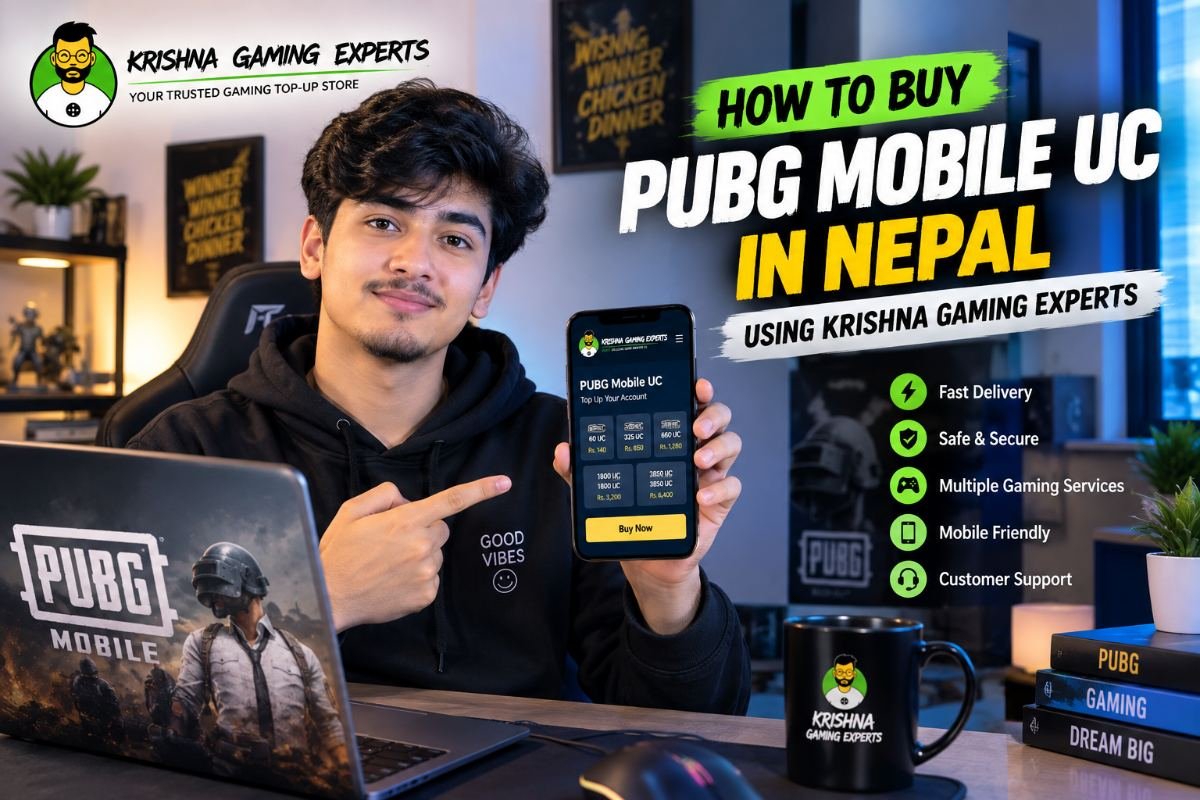
How to Buy PUBG Mobile UC in Nepal Using Krishna Gaming Experts PUBG Mobile is one of the most popular mobile battle royale games among gamers in Nepal. Players can use UC (Unknown Cash) to access various premium in-game items, outfits, weapon skins, crates, Royale Pass content, events, and other available features. For gamers looking for a simple way to buy PUBG Mobile UC in Nepal, Krishna Gaming Experts offers a convenient website-based top-up process. Instead of sending messages and waiting for a manual response, you can visit the website, select your preferred UC package, enter your PUBG Mobile Player ID, complete the payment, and place your order online. 🎮 What Is PUBG Mobile UC? UC, or Unknown Cash, is the premium in-game currency used in PUBG Mobile. Depending on the current game content, UC can be used for various premium purchases and features, such as: 🎟️ Royale Pass content
👕 Character outfits
🔫 Weapon skins
🎁 Crates and rewards
🎨 Customization items
🎉 Special events
🛍️ Other premium in-game content
The available items and uses of UC can change depending on the game version and ongoing events. 🇳🇵 Why Buy PUBG Mobile UC Online in Nepal? Traditionally, gamers may need to contact a seller through social media or messaging apps to purchase UC. This can mean asking for prices, requesting payment details, sending a Player ID, and waiting for the seller to process the order. With an online top-up website, the process can be much simpler. Krishna Gaming Experts allows customers to select their PUBG Mobile UC package and place an order directly through the website. Benefits of Online PUBG UC Top Up ⚡ Easy online ordering
🆔 Player ID-based top-up
💳 Convenient payment options
🚀 Fast/automated processing
📱 Mobile-friendly ordering
💬 Customer support when assistance is required
⚡ How to Buy PUBG Mobile UC Using Krishna Gaming Experts Buying PUBG Mobile UC through Krishna Gaming Experts is designed to be a straightforward process. Step 1: Visit the Official Website Open: krishnagexperts.com Go to the gaming top-up section and select PUBG Mobile UC. Make sure you are using the correct official website before entering any information or making a payment. Step 2: Select Your UC Package Choose the PUBG Mobile UC package you want to purchase. The available packages and prices may vary, so check the current options displayed on the website. Before continuing, verify: UC quantity
Package price
Game/service selected
Any additional order information
🆔 Step 3: Enter Your PUBG Mobile Player ID Enter your correct PUBG Mobile Player ID in the required field. Your Player ID is used to identify the PUBG Mobile account that should receive the UC. Before submitting the order, carefully compare the Player ID you entered with the ID shown in your PUBG Mobile account. ⚠️ Always Double-Check Your Player ID Entering an incorrect Player ID can cause the top-up to be delivered to the wrong account or create an order-processing issue. Always verify your Player ID before completing payment. 👤 Step 4: Verify Your Player Information If the website displays your player information after entering your Player ID, check that the displayed information matches your PUBG Mobile account. If the information appears incorrect, stop and recheck your Player ID before proceeding. If necessary, contact customer support for assistance. 💳 Step 5: Complete Your Payment After selecting your UC package and verifying your Player ID, proceed to the payment section. Choose one of the available payment methods shown on the website and complete the payment according to the instructions. Always check the final amount before confirming your payment. 🔐 Payment Safety Tips For your account and payment security, never share sensitive information such as: PUBG Mobile password
Facebook/Google password
OTP
Banking password
Payment PIN
A normal Player ID-based UC top-up should not require you to provide your PUBG Mobile password. 🚀 Step 6: Receive Your PUBG UC After successful payment and order verification, your order will enter the processing system. Once the top-up is successfully processed, the purchased UC should be credited to the relevant PUBG Mobile account according to the service's delivery process. Krishna Gaming Experts provides fast/automated top-up processing, but actual delivery time can depend on payment confirmation, API/system availability, server conditions, and other technical factors. If your order takes longer than expected, use the website's order system or contact customer support. 🔥 Why Choose Krishna Gaming Experts for PUBG UC? Krishna Gaming Experts provides an online platform where customers can purchase gaming top-ups and digital services. For PUBG Mobile players in Nepal, the website provides a convenient way to order UC without relying completely on manual messaging. ⚡ Fast & Convenient Select your UC package, enter your Player ID, complete payment, and place your order online. 🛒 Easy Online Ordering The website makes the PUBG UC ordering process simple and accessible from both mobile and desktop devices. 🔐 Safe & Secure Keep your PUBG Mobile login credentials private and use the website's available payment and ordering process. 💳 Convenient Payment Choose an available payment option shown during checkout and complete your order. 💬 Customer Support If you have questions or experience an issue with your order, customer support can assist you with the process. 🛡️ Important Things to Check Before Buying PUBG UC Before purchasing UC, take a few seconds to verify your order details.
- Check the Website
Make sure you are using: krishnagexperts.com Avoid entering payment or account information on suspicious websites or unofficial links.
- Verify Your Player ID
Your Player ID is one of the most important details in a UC top-up. Check it carefully before confirming your order.
- Check Your UC Package
Make sure you have selected the correct UC quantity and check the final price before payment.
- Keep Your Password Private
Never provide your PUBG Mobile password simply to purchase UC.
- Save Your Order Information
Keep your order number or transaction details until your UC has been successfully delivered. ❌ Common PUBG UC Top-Up Mistakes Avoid these common mistakes when purchasing PUBG Mobile UC: Wrong Player ID: Always verify your Player ID before submitting the order. Wrong UC package: Check the selected UC quantity before payment. Incorrect payment amount: Review the final checkout amount carefully. Using unofficial websites: Always access the official Krishna Gaming Experts website. Sharing sensitive information: Never share passwords, OTPs, or payment PINs with anyone. 📱 Buy PUBG Mobile UC From Your Phone You don't need a computer to purchase PUBG Mobile UC. You can access krishnagexperts.com using your smartphone and complete the entire ordering process online. Simply select PUBG Mobile UC, choose your package, enter your Player ID, complete payment, and place your order. This makes it convenient for gamers who want to purchase UC while playing or using their mobile device. ❓ Frequently Asked Questions How can I buy PUBG Mobile UC in Nepal? Visit krishnagexperts.com, select PUBG Mobile UC, choose your preferred UC package, enter your Player ID, complete the available payment process, and place your order. What is PUBG Mobile UC? UC stands for Unknown Cash, the premium in-game currency used in PUBG Mobile for various available premium items and features. Do I need my PUBG Mobile password? No. A normal Player ID-based UC top-up should not require your PUBG Mobile password. Where can I find my PUBG Mobile Player ID? Open PUBG Mobile and go to your profile/account information. Your Player ID should be displayed there. How long does PUBG UC top-up take? Krishna Gaming Experts provides fast/automated processing, but actual delivery time may vary depending on payment confirmation, system/API availability, server conditions, and other technical factors. Can I buy PUBG UC using my mobile phone? Yes. You can visit the Krishna Gaming Experts website using a mobile browser and complete the UC purchase online. 🏆 Final Thoughts Buying PUBG Mobile UC in Nepal can be simple when you use an online top-up platform. With Krishna Gaming Experts, the process is: Visit the website → Select PUBG Mobile UC → Choose your UC package → Enter your Player ID → Complete payment → Receive your UC. Always verify your Player ID, UC package, payment amount, and order details before confirming your purchase. 🚀 Ready to Buy PUBG Mobile UC? Visit krishnagexperts.com and select the PUBG Mobile UC service to place your order online. Krishna Gaming Experts – Your Trusted Gaming Top-Up Store.